Build a Client Portal: No-Code, Templates, or Custom?
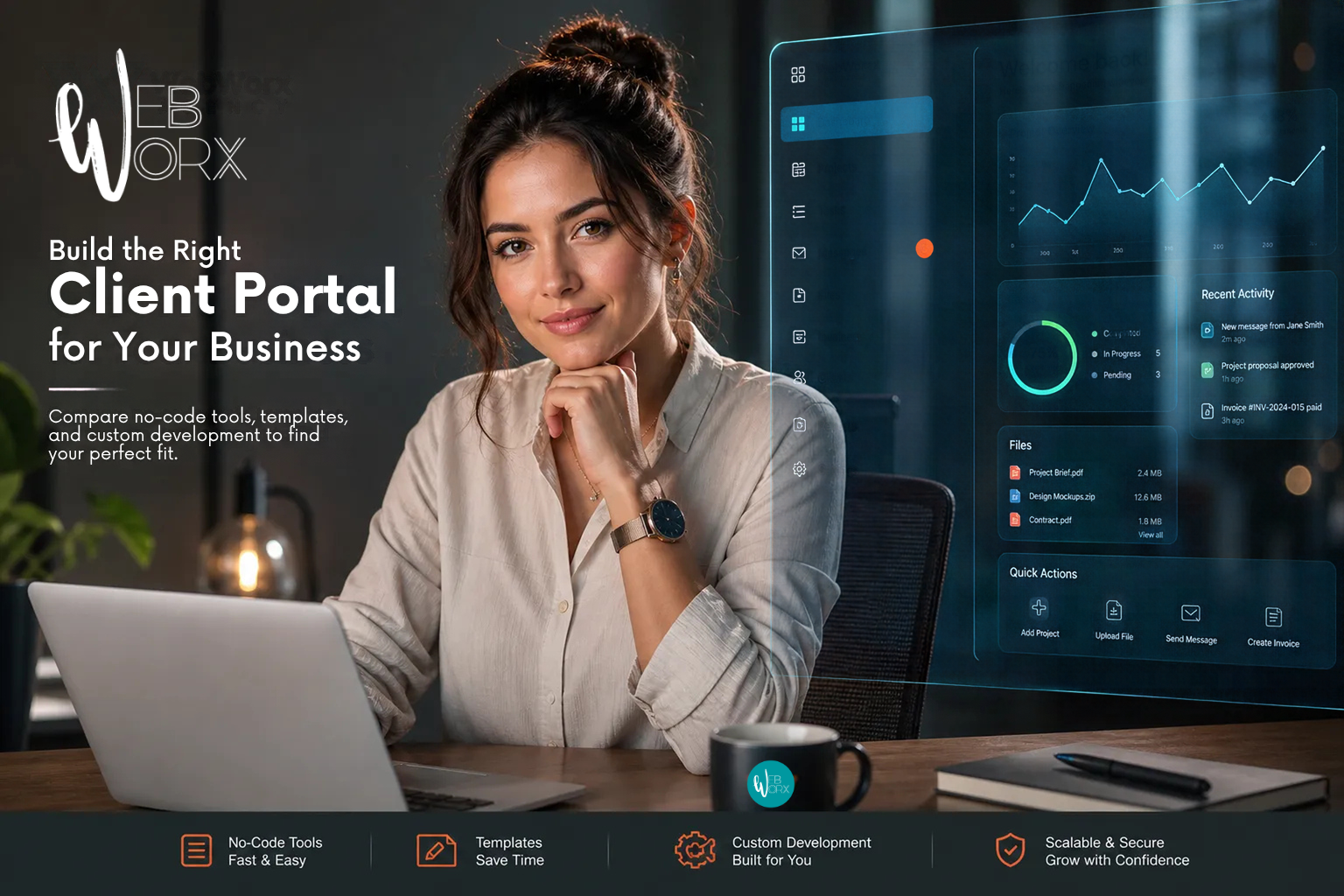
If you've ever lost a client file in an email thread, answered the same status question three times in a week, or watched a deal slow down because someone couldn't find the right document, you already know why it's worth taking the time to build a client portal. The problem isn't that your team is disorganized; it's that many service businesses are running client relationships through a stack of tools that were never designed to work together.
Firms like Web Worx, which architects client portals for service businesses in Kansas City and nationally, start every engagement by mapping the operational workflow before touching any technology. That approach matters, because the tool you choose will only work as well as the clarity you bring to it.
This guide walks through what a portal actually needs to do, how to choose the right build approach for your situation, which platforms are worth considering in 2026, and what security requirements every portal must meet before clients are invited in. The goal is to help you make a confident decision without wasting time evaluating the wrong options.
What you must consider when you build a client portal
A portal is not a file folder with a login screen. The most effective ones are built around a service delivery workflow: showing clients exactly what's happening, cutting back-and-forth communication, and eliminating the manual status updates that consume team hours every week. Before you evaluate a single platform, it helps to know what functional layer you're actually building.
Core features that drive real value
The must-have layer for most professional services portals includes four elements: secure document sharing, project or matter status visibility, in-portal messaging, and billing or invoice access. Secure document sharing solves the email-thread problem: files live in one place, with version control and audit trails instead of scattered attachments. Status visibility eliminates the "just checking in" emails because clients can log in and see where things stand. In-portal messaging keeps questions tied to the relevant file or task rather than lost in a general inbox. Billing access lets clients view invoices and payment history without calling your office.
Industry-specific priorities worth knowing
Law firms weigh e-signatures and audit trails heavily because engagement letters, scope changes, and approvals need to be captured and retained. Accounting firms prioritize billing dashboards and strong encryption because they handle sensitive financial data that carries regulatory exposure. Marketing agencies lean on task tracking and approval workflows because campaigns move fast and client sign-off on deliverables is the bottleneck that stalls launches. Identifying which of these profiles fits your firm will cut your evaluation time significantly.
Map your user roles and access levels before you build anything
The most common mistake businesses make when setting up a portal is jumping straight to tool selection before they know who will use it and what each person should see. A portal without a clear access model is both a security liability and a usability problem. This step belongs before platform evaluation, not after.
How to define who sees what
Start by listing every user type that will touch the portal: internal admin, team member, client viewer, and client editor are the four most common roles. For each role, map exactly what data they need to access and what actions they should be able to take. Least-privilege access, giving each role only what it genuinely needs, is both a security principle and a usability one. Fewer choices per role means a cleaner interface, which can meaningfully improve client adoption.
Why server-side authorization matters more than UI restrictions
Hiding a button on the screen is not the same as blocking access to the underlying data. Professional portals enforce permissions at the server level on every request, which means even if a user manipulates the interface, they can't retrieve records they're not authorized to see. This distinction is why security can't be fully bolted on after a no-code template goes live. Strong no-code platforms are moving RBAC into the data layer rather than relying on UI visibility rules alone, and that's a key question to ask any vendor you evaluate.
No-code builders and templates: what's available and what they cost
Once you know what your portal needs to do and who needs access, the client portal software landscape becomes much easier to navigate. The options break into three categories: lightweight collaboration platforms, all-in-one client suites, and white-label portal builders. Most teams can get a branded, functional portal live within a few days using any of the top platforms, though a fuller production launch with integrations typically takes one to two weeks.
Top platforms and starting prices in 2026
Softr is the broadest option for SMBs that want a no-code client portal connected to live data. It starts free with paid plans from $19 per month, supports over 21 data sources including Google Sheets, HubSpot, Notion, and monday.com, and handles server-side auth and role-based permissions out of the box. SuiteDash starts at $19 per month and bundles CRM, billing, project management, and messaging into one white-labeled portal, making it a strong choice for teams that want to consolidate tools. Copilot (formerly Assembly) starts at $39 per month and targets service firms that want a branded client workspace with AI assistant support built in. Clinked starts at $95 per month and is built for compliance-focused environments: white-label portals, document markup, and enterprise-grade collaboration for teams where security documentation matters as much as the feature set. For freelancers and small agencies, Bonsai ($9 per month) bundles contracts, invoicing, and proposals into a simple portal workflow that's fast to launch but limited in customization. Pricing details should be confirmed directly with each vendor, as plans are updated regularly.
Integration support: where these tools connect well (and where they don't)
Softr offers particularly broad integration coverage for common business stacks, with native connections to Google Sheets, HubSpot, monday.com, and Notion alongside REST API connectivity for everything else. Most no-code portal builders handle standard integrations well, but they start to struggle with deeply custom logic, proprietary CRMs, or non-standard approval workflows. That gap matters if your business has built specialized processes around tools that weren't designed to talk to each other out of the box.
When custom development makes more sense
No-code customer portal builders handle a wide range of use cases efficiently, and for most early-stage portals they're the right call. But certain business situations make a template-based portal the wrong long-term investment. The question isn't whether you can get a no-code portal running, it's whether it will still fit your workflow six months from now.
Signs your workflow has outgrown a template
Watch for these signals when evaluating whether to build a client portal on a platform or pursue a custom solution:
- Your portal needs to pull live data from a system the builder doesn't support.
- Your access logic is too nuanced for the standard role presets the platform offers.
- You need the portal tightly integrated with a custom CRM, proprietary billing engine, or internal workflow system that has no native connector.
- You operate in a regulated environment where off-the-shelf vendors can't provide the compliance documentation your clients or auditors require.
Each condition individually might be workable with workarounds, but when two or three appear together, you're spending more time fighting the tool than using it.
How a development partner architects a portal around your workflow
The alternative to picking a template is working with a development partner who starts by mapping the operational workflow, then designs the portal data model and access structure around it. Web Worx follows this methodology with service businesses and nonprofits, defining roles, integrations, and automation logic before writing a line of code. The result is a portal that fits the business rather than forcing the business to adapt to a generic interface designed for the median use case.
Custom portal development typically starts at $15,000 for early-scope builds, with mid-market engagements commonly ranging from $60,000 to $120,000 depending on the number of integrations, workflow complexity, and compliance requirements. Timelines generally run three to six months for most builds, making it the right fit for mid-sized teams with specific workflow requirements, not for businesses that need something live next week.
Security checklist every portal needs before going live
Every portal, whether built on a no-code platform or custom code, must meet a baseline security standard before clients are invited in. Security is not a feature you add after launch; it's a requirement that shapes build decisions from the start.
Authentication and access controls
Multi-factor authentication is a non-negotiable baseline for any portal handling sensitive client data. For enterprise clients, SSO support through Okta, Azure AD, or Google Workspace allows access to be managed centrally through identity providers the client already controls. Session timeout controls, strong password policies, and account lockout after repeated failed attempts round out the authentication layer and should be verified, not assumed, in any platform you evaluate.
Encryption, audit logs, and compliance basics
TLS 1.3 for data in transit and AES-256 for data at rest represent the current standard minimums for a secure client portal. For portals handling especially sensitive content, field-level encryption adds a second layer of protection for items like account numbers or identification data. Audit logs need to capture who accessed what, when, and from where, including logins, downloads, edits, deletions, and failed access attempts. Those logs must be tamper-evident, meaning portal administrators cannot modify or delete them. For law firms and accounting practices, log retention tied to compliance requirements is a contractual obligation, not a best practice. If a vendor can't produce a current SOC 2 Type II report or ISO 27001 certificate, treat that as a significant gap to resolve before it becomes a client trust problem.
How to build a client portal in phases
You don't need everything live on day one. A phased launch reduces scope creep, gets clients into the portal faster, and generates real feedback that improves every subsequent build decision. The businesses that struggle most with portal adoption are the ones that tried to launch everything simultaneously and ended up with a cluttered first experience that pushed clients back to email.
Phase 1: core setup in the first two weeks
Define your roles and permissions before any client sees the portal. Stand up the platform with your brand, a working login, and one core workflow; document sharing or project status visibility are the highest-value starting points. Invite a small group of test clients before the full rollout and verify that access controls work correctly at the server level, not just at the UI layer. A clean first experience creates the habit; a confusing one breaks it before it starts.
Phase 2: integrations, automation, and scale
Connect the portal to your CRM, billing tool, or project management system in week three or four. Add automation for status updates, follow-up reminders, and approval triggers. This phase is where teams using a no-code portal frequently encounter the limits of native integrations: the connector exists, but it doesn't support the specific field mapping or workflow logic your process requires. When the phased build surfaces workflow requirements that no template handles cleanly, that's the right moment to scope a custom build rather than accumulate workarounds that become technical debt.
Choose the approach that fits the workflow, not the other way around
The decision framework is straightforward: start with your workflow and user roles, match the tool to your complexity level, and treat security as a pre-launch requirement rather than an afterthought. No-code builders and templates are genuinely strong for most early-stage portals, and for many businesses they remain the right long-term solution. Custom development pays off when the business workflow is the product and a generic interface would force too many compromises.
When you build a client portal that starts with the business problem rather than the technology, clients adopt it because it fits how work actually happens. For businesses that have outgrown templates or need a portal architected around a specific operational model, the difference between a tool that gets used and one that gets abandoned comes down to where the design process starts. If that's where you are, reach out to Web Worx; the first conversation starts with your workflow, not the technology.
Ready to Build a Client Portal?
Let's start with your workflow and design a portal your clients actually use.
Schedule a Call